Stylist Guidelines
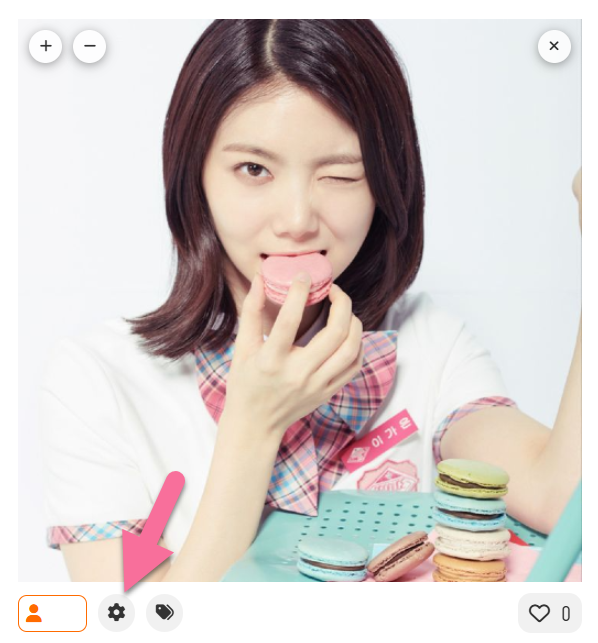
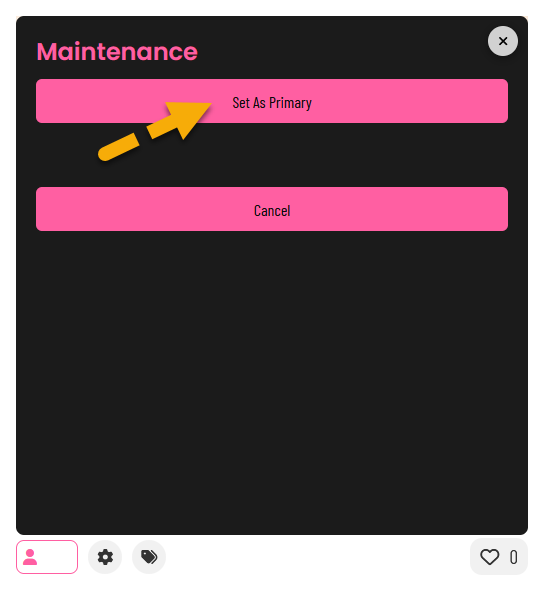
As a Stylist you can set the primary picture shown site-wide for any member. Follow these rules before saving a change:
- Face first – clear, in-focus shot of the idol’s face.
- Solo only – no other visible faces or group shots.
- Text-light – no captions / watermarks (magazine covers are fine).
- Sharp & natural – avoid blur, heavy filters, or low-res images.
- No memes – adding one ends your Stylist role immediately.
- Choose carefully – every swap is logged and visible to thousands.
Where to change the primary picture
Good vs. bad examples
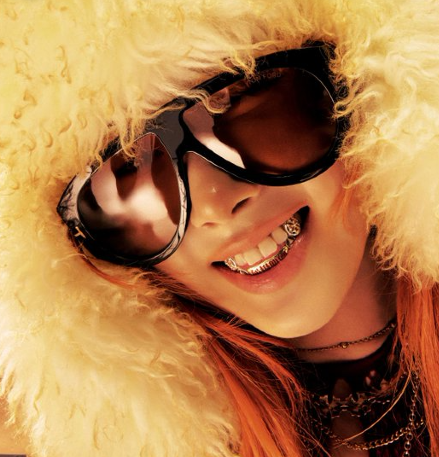 Good
Good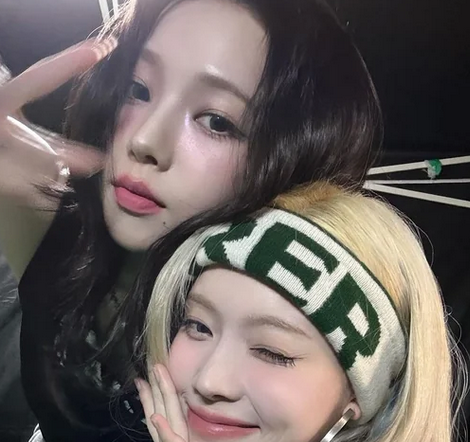 Bad (group)
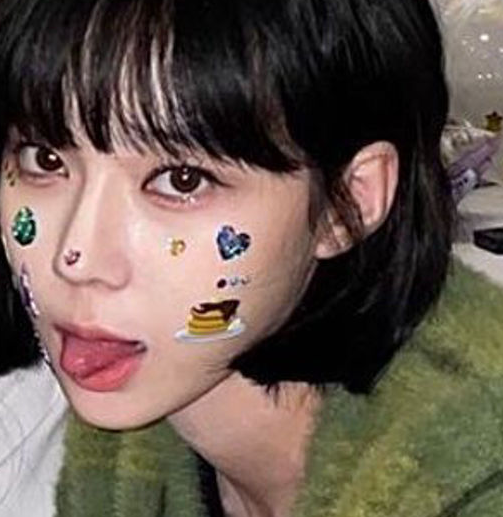 Bad (blur)
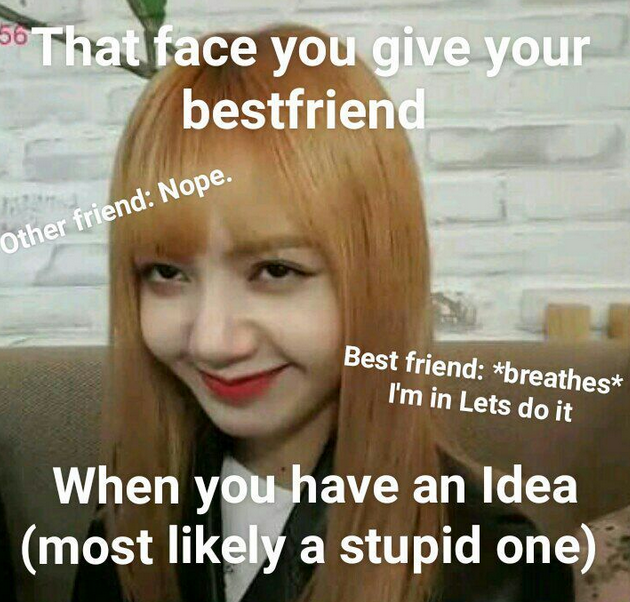 Bad (meme)
You can update the primary picture as often as needed, but always be sure it’s the best, most accurate representation of the member.