
Face matches built for K-pop fans
Compare your photos with the KpopVisage idol database and keep the results close on your phone.
 Android closed test
 Help test the Android app for Kpop Visage. Sign in with your KpopVisage account, send the Google Play email you install with, and get access when your tester invite is approved.
Submit or update the Google Play email that should receive Kpop Visage Mobile test access.
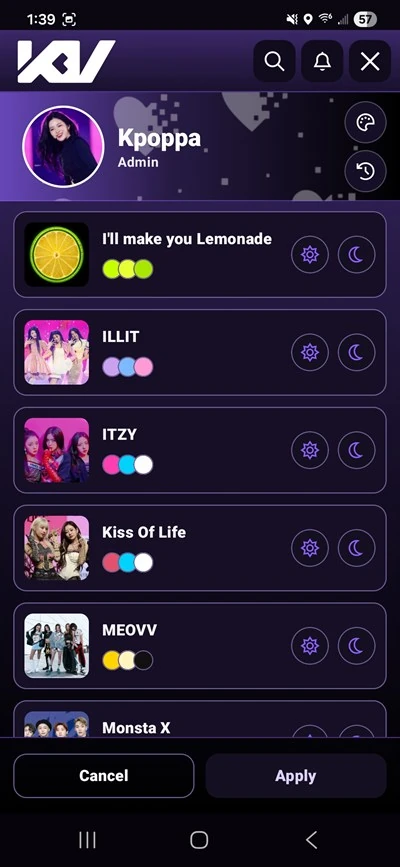
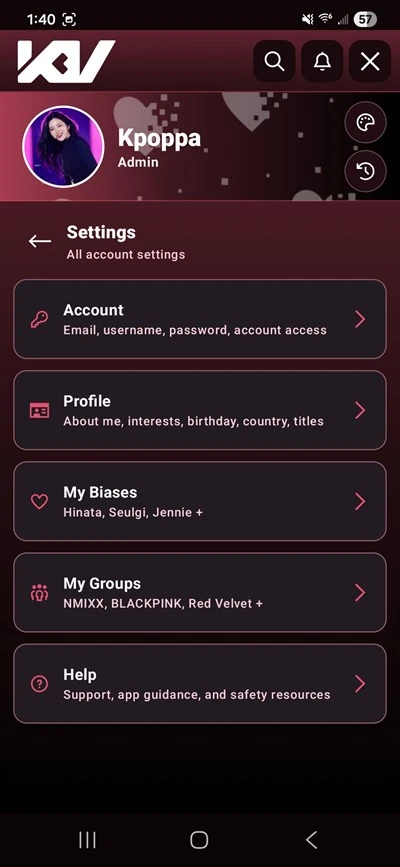
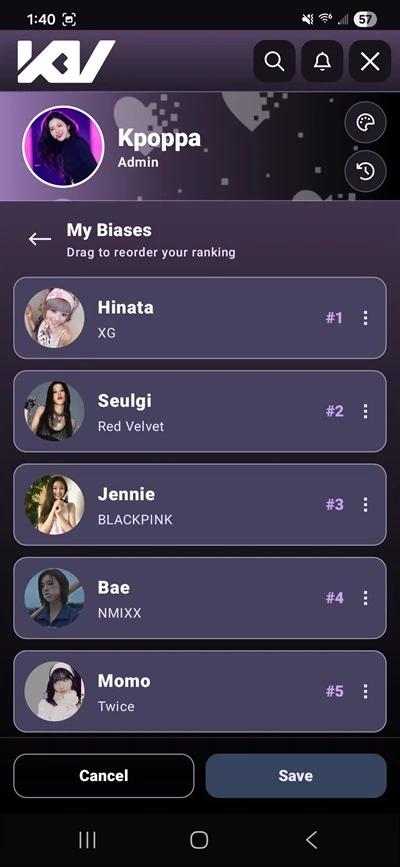
This is the Kpop Visage mobile app test, focused on the main fan experience from the website in a phone-first app.
Compare your photos with the KpopVisage idol database and keep the results close on your phone.
Check profiles, rankings, saved idols, and fan activity without opening the desktop site.
This closed test helps polish real phone flows before the wider Kpop Visage mobile release.
Submit the Play Store email you install with so your tester invite can be approved cleanly.
Use your KpopVisage account so tester access can be tied to the right profile.
Enter the Google Play email for the Android account that will install the app.
After approval, open your invite or the Play Store link and start testing Kpop Visage Mobile.
Review the current mobile app terms and privacy policy before joining the Android test.